
Browse the web,
beautifully.
Velora is a fast and secure browser for Windows, built on Chromium. With built-in ad blocking, a password manager and stunning city photos on every new tab.
Download for Windows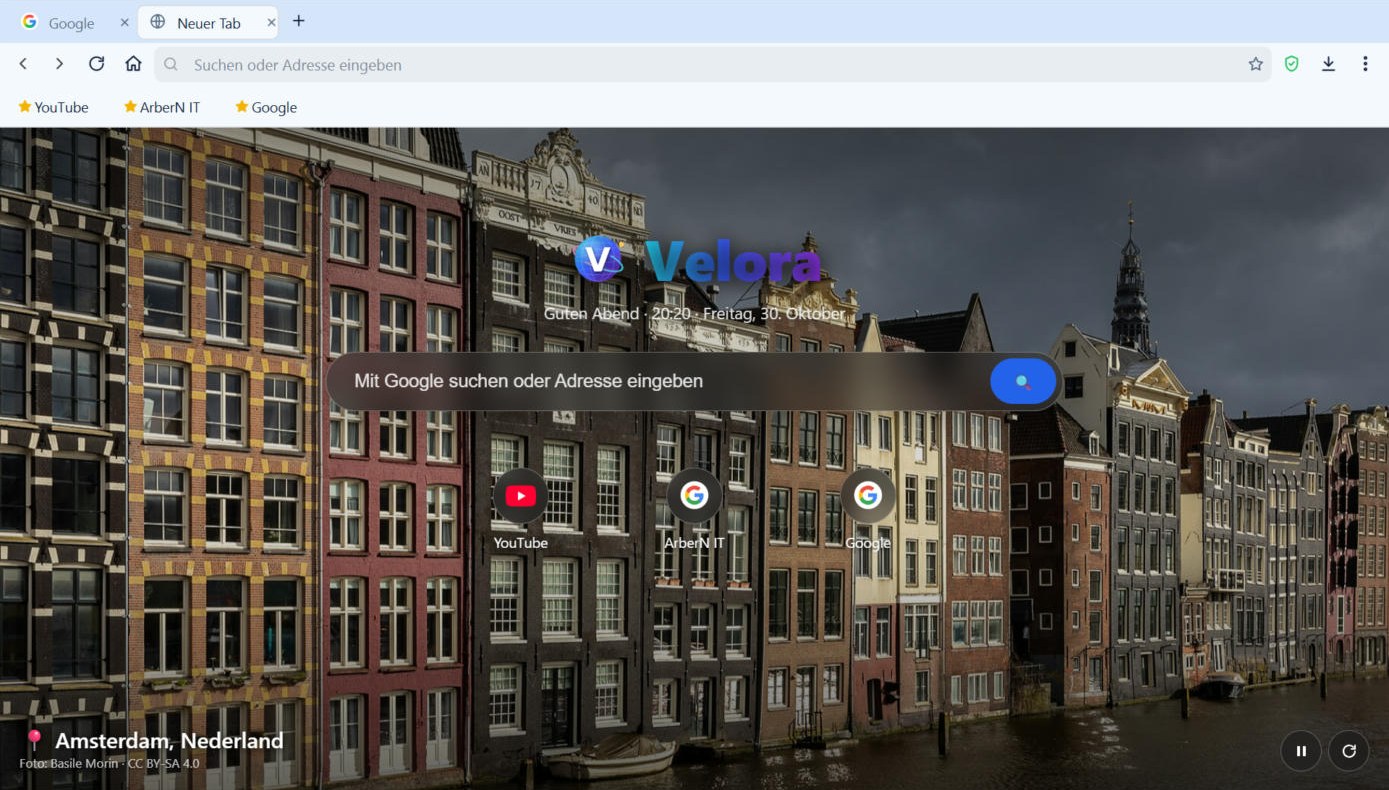
Velora is a fast and secure browser for Windows, built on Chromium. With built-in ad blocking, a password manager and stunning city photos on every new tab.
Download for WindowsThe speed and compatibility of Chromium, with a cleaner, more personal experience.
The same engine as Chrome and Edge – every website just works, fast.
Blocks ads and trackers automatically for faster, more private browsing.
Saves and fills your logins, encrypted with Windows protection. Import from Chrome, Edge or Firefox.
Every new tab shows a breathtaking photo – Paris, Tokyo, Zürich, Tirana, New York and more.
From Midnight and Ocean to Forest, Sunset and Rose – make it yours.
No history, no cookies – everything is wiped when you close the window.
Download manager with speed and progress, save any page as PDF.
English, Deutsch and Shqip – switch any time in the settings.
Download the installer, run it, done.
Click “Download for Windows” and save the setup file.
Double-click the file, confirm with “Yes”, then click Next → Install.
Velora opens automatically. Optionally set it as your default browser in Settings.